
Description
Product Overview
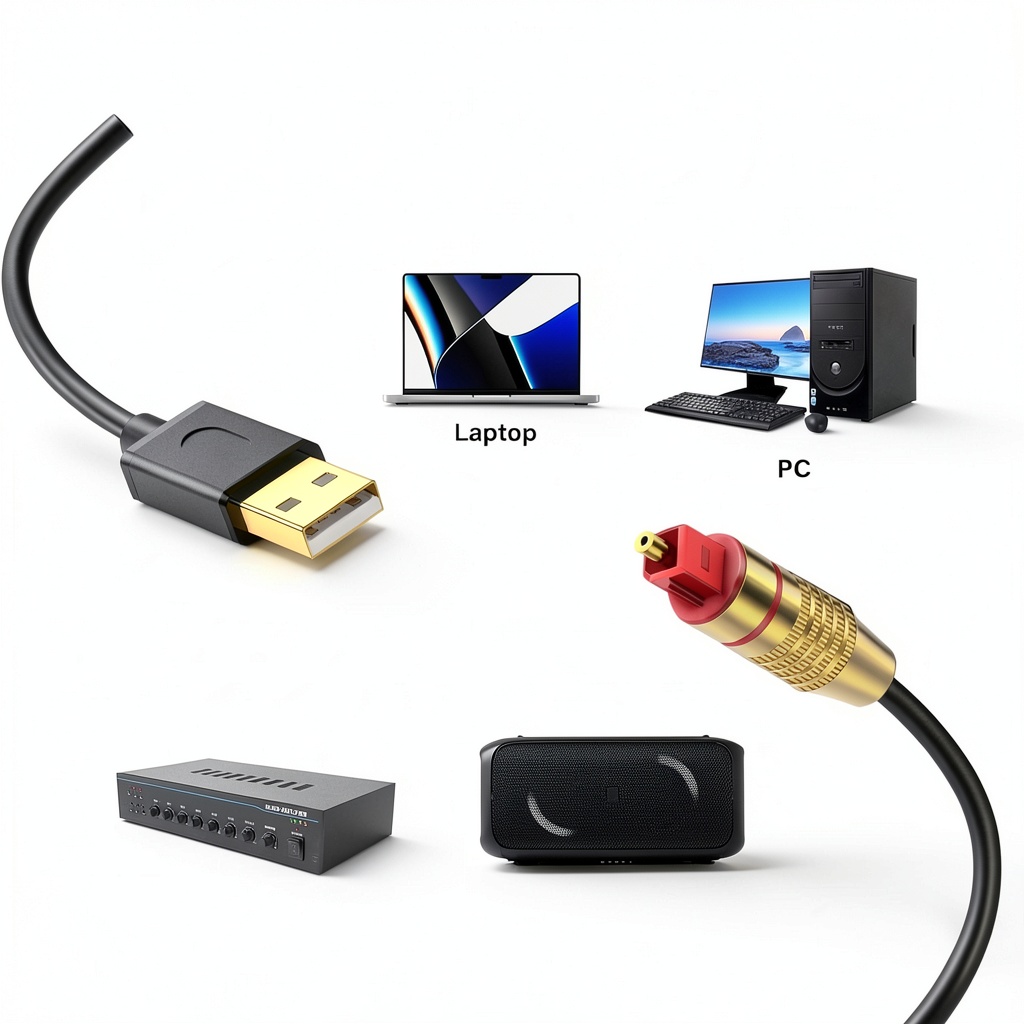
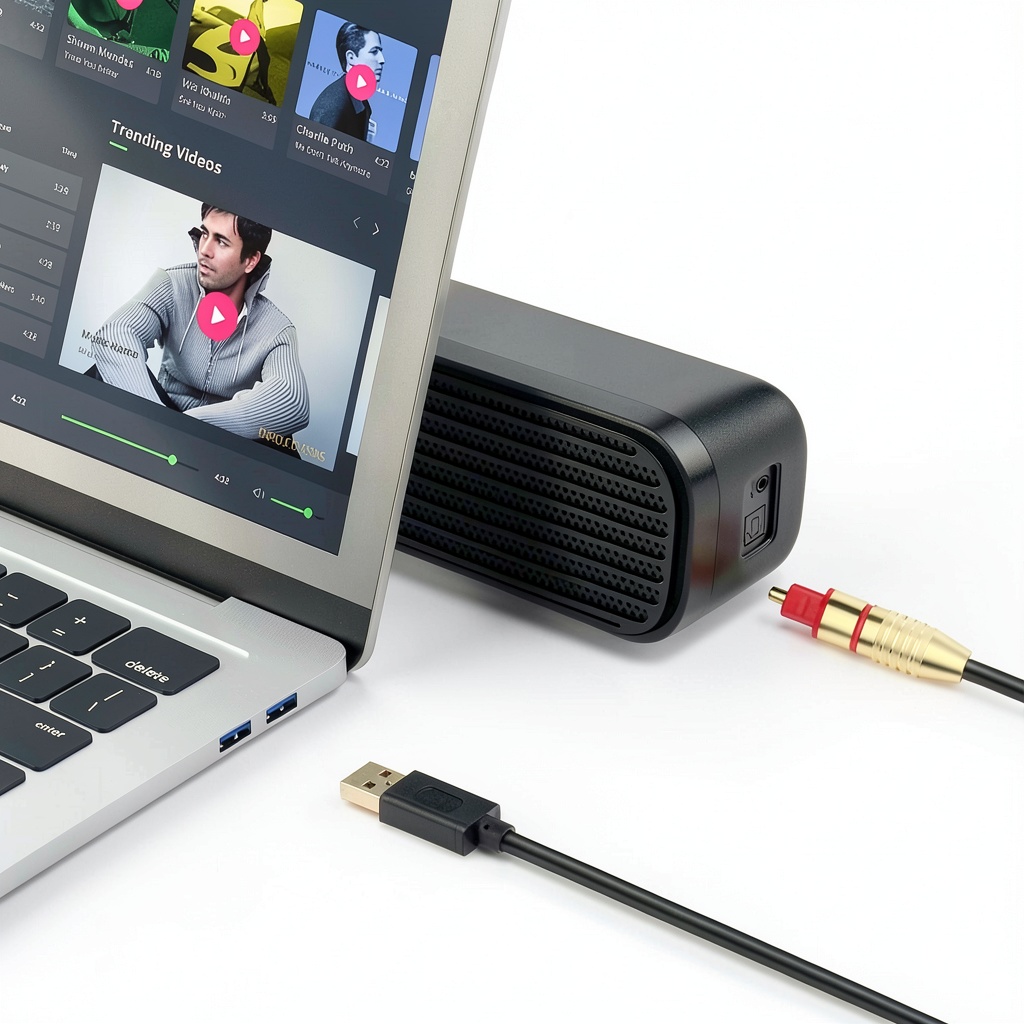
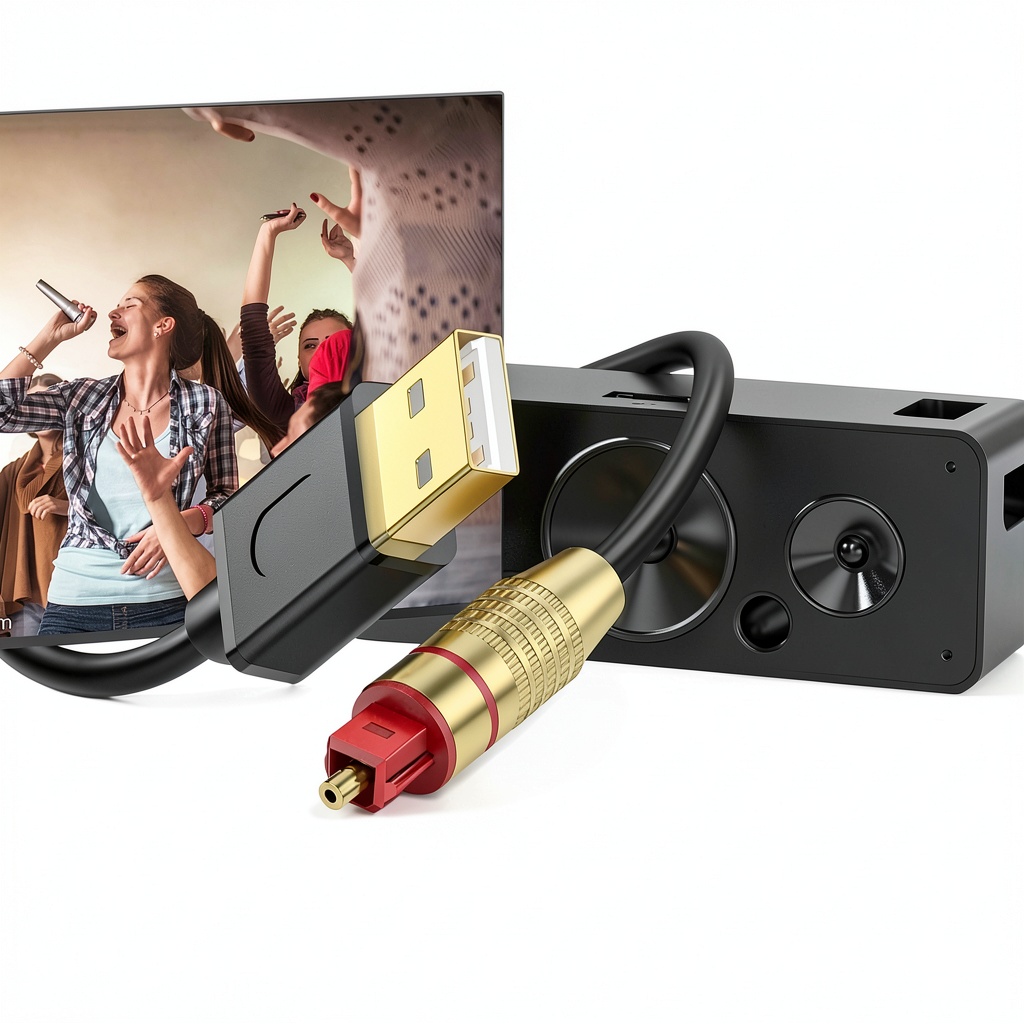
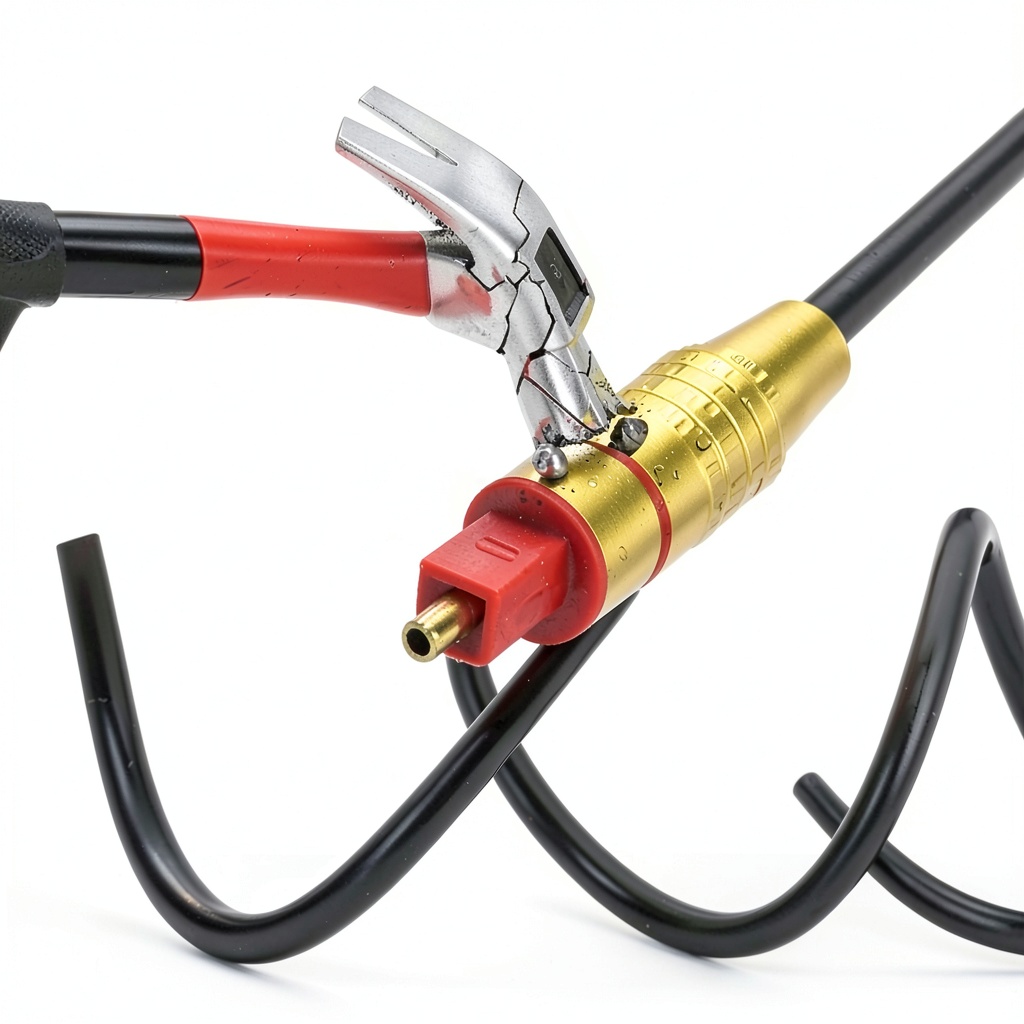
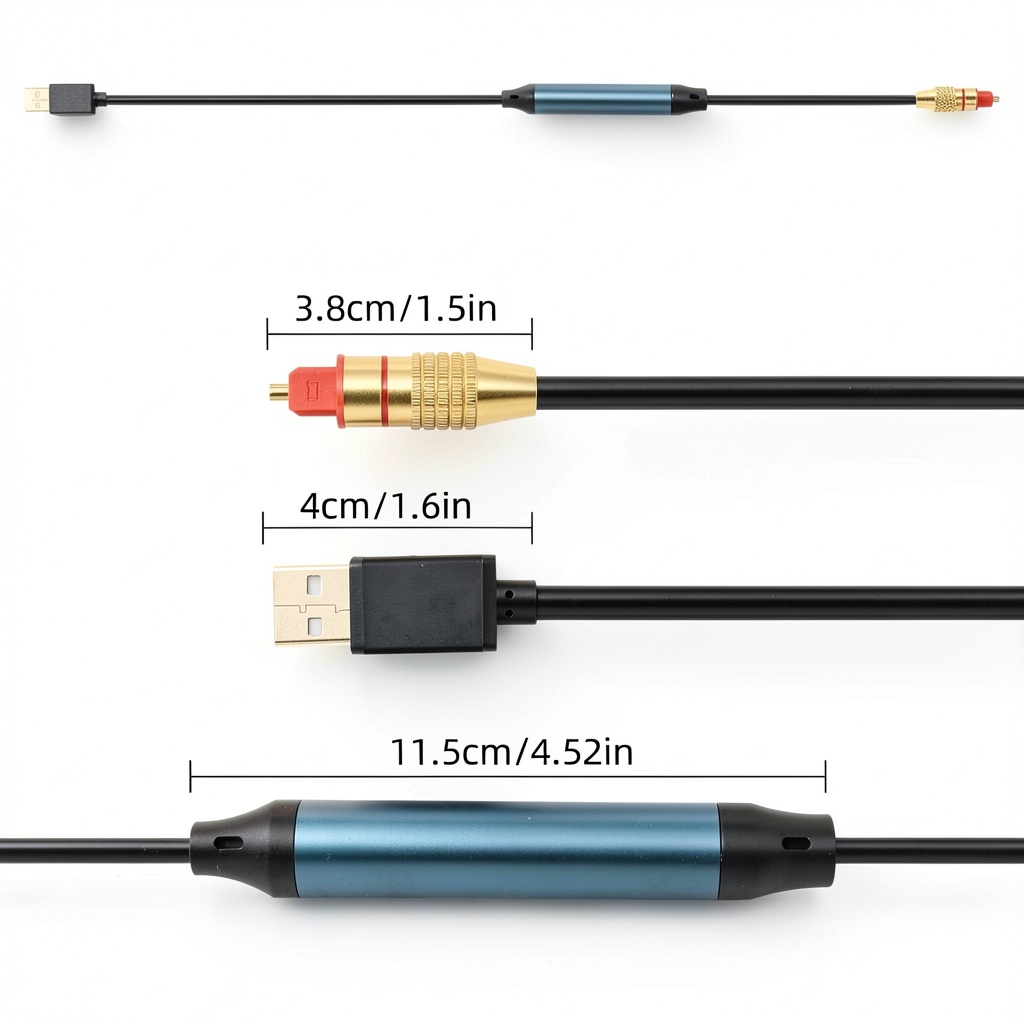
The NCGGY USB‑A to Optical Audio Converter bridges the gap between modern USB‑A devices and legacy S/PDIF sound systems. Crafted with a robust aluminum alloy shell and gold‑plated connectors, the 5 ft cable ensures minimal signal loss and superior electromagnetic shielding. It supports 96 kHz/24‑bit high‑resolution audio, delivering crisp, detailed sound for music, movies, and gaming. The male‑to‑male design features a standard USB‑A plug on one end and a TOSLINK optical connector on the other, making it a straightforward solution for desktop PCs, laptops, and gaming consoles.
Usage
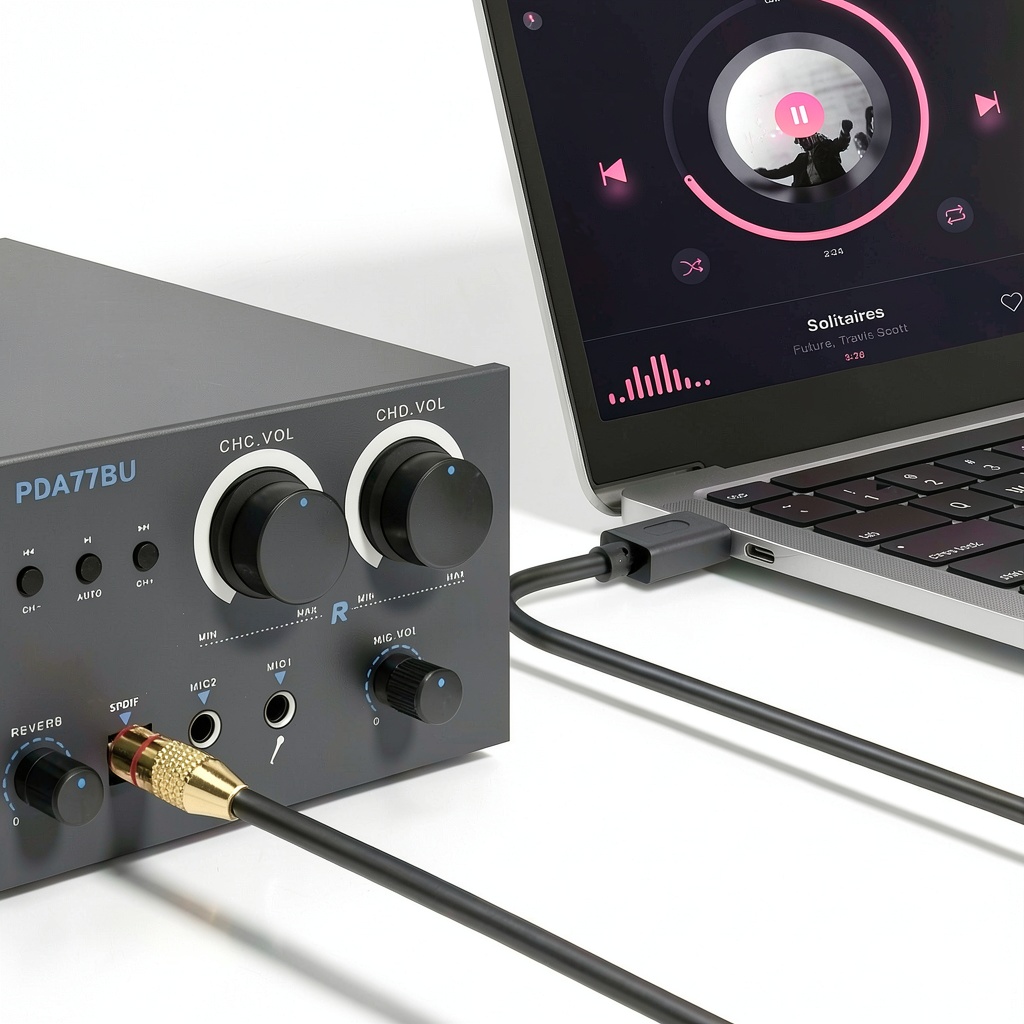
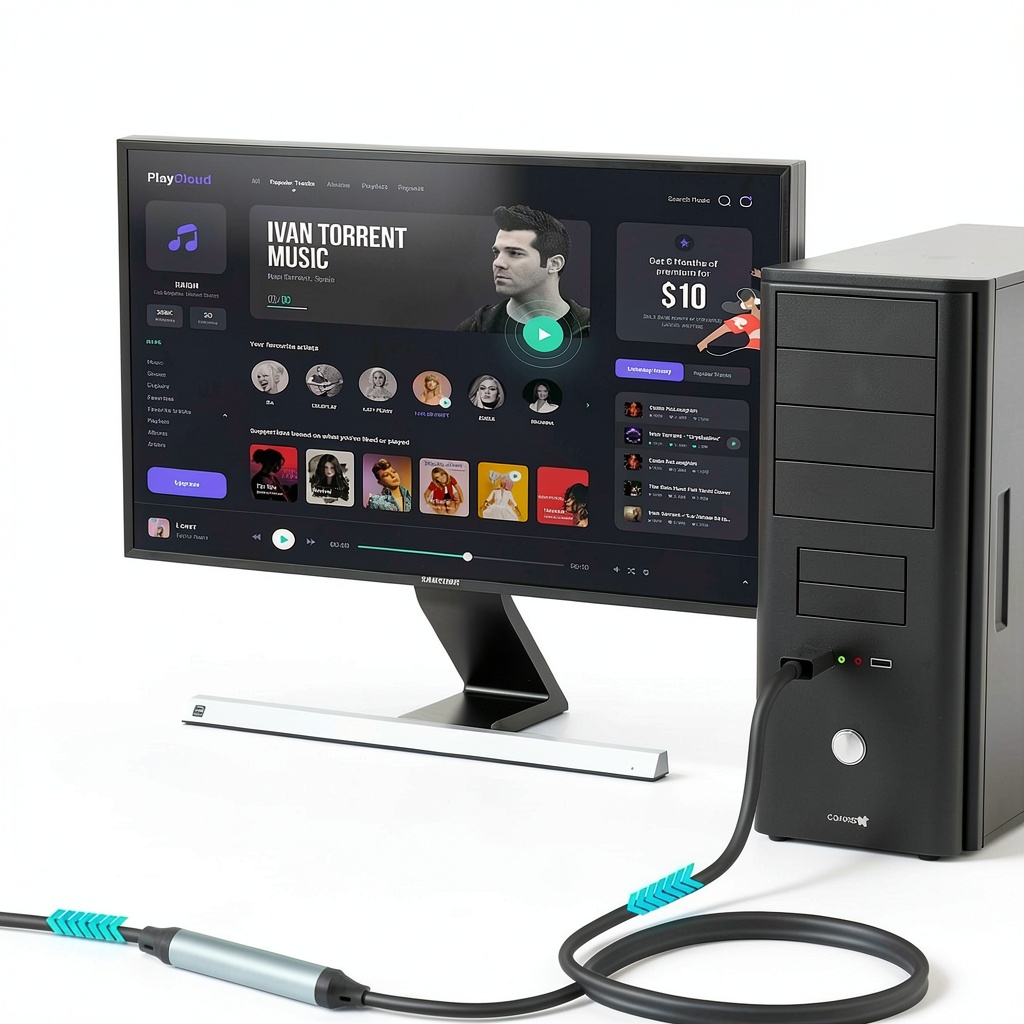
Designed for indoor environments, this converter is perfect for home theater setups, studio monitoring stations, and audiophile listening rooms. Connect your USB‑A enabled computer to a sound bar, external DAC, or amplifier with an optical input to enjoy lossless audio without additional drivers. It’s also suitable for gamers who want high‑fidelity sound from their console to a premium headset or speaker system. 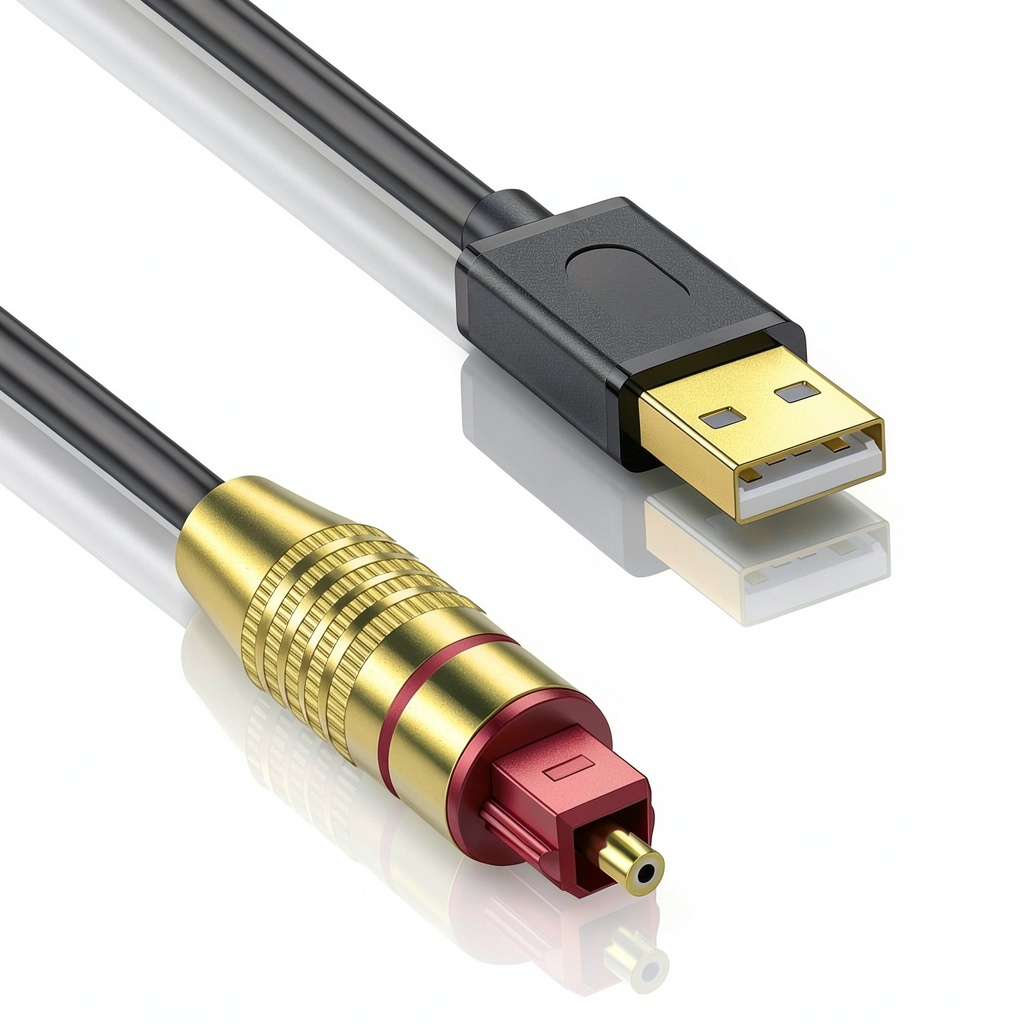
Why Choose Us
NCGGY combines precision engineering with premium materials. The gold‑plated contacts reduce corrosion and maintain conductivity over time, while the aluminum housing blocks RF interference for a clean signal path. Each unit undergoes strict quality testing to meet industry standards for digital‑analog conversion. Unlike many adapters, this model is unidirectional, guaranteeing stable USB‑to‑optical transmission without the risk of feedback loops.
Key Features
- 5 ft gold‑plated USB‑A to TOSLINK cable for flexible placement
- Supports 96 kHz/24‑bit high‑resolution audio for crystal‑clear sound
- Aluminum alloy shell with EMI/RFI shielding for reliable performance
- Plug‑and‑play – no drivers or external power required
- Compatible with Windows and macOS PCs, laptops, and gaming consoles
FAQ
Can this adapter be used with a TV or gaming console?
The adapter is designed for computers only. It does not support audio output from TVs, Xbox, PlayStation, Switch, or other consoles.
Is the converter bidirectional?
No, it transmits audio only from USB‑A to optical S/PDIF. It cannot convert optical signals back to USB.
Do I need to install drivers?
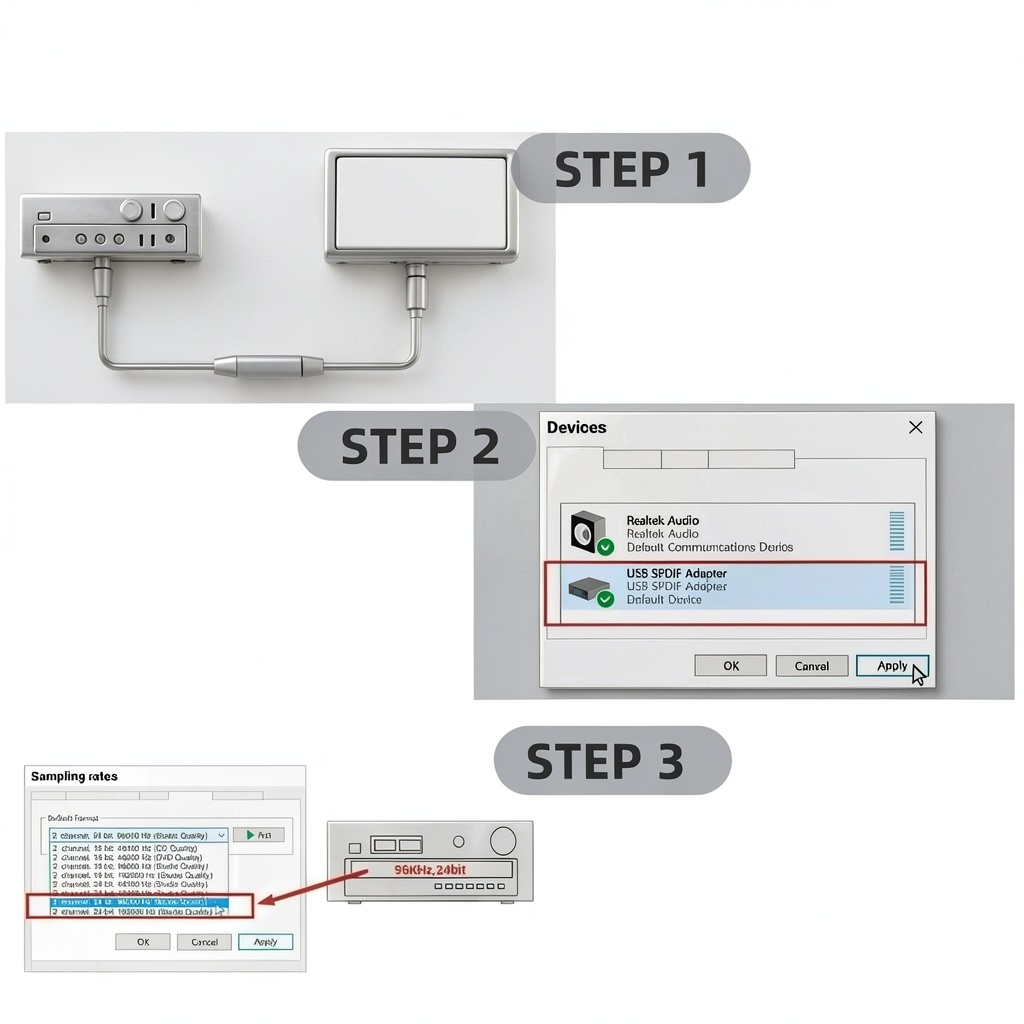
No drivers are required. Simply plug the USB‑A end into your computer and the optical end into your audio system.
Will volume control work from the computer?
Volume adjustments should be made on the receiving device (amplifier or speaker). Computer volume control does not affect the optical output.
What should I do if I hear buzzing or distortion?
Check that the sampling rate matches your audio system and ensure the cable is fully seated. If the issue persists, try a different USB port or verify that the receiving device supports the selected format.




 Harvard Law eBook Kindle Press Reprint 320 Pages
Reviews
There are no reviews yet.